

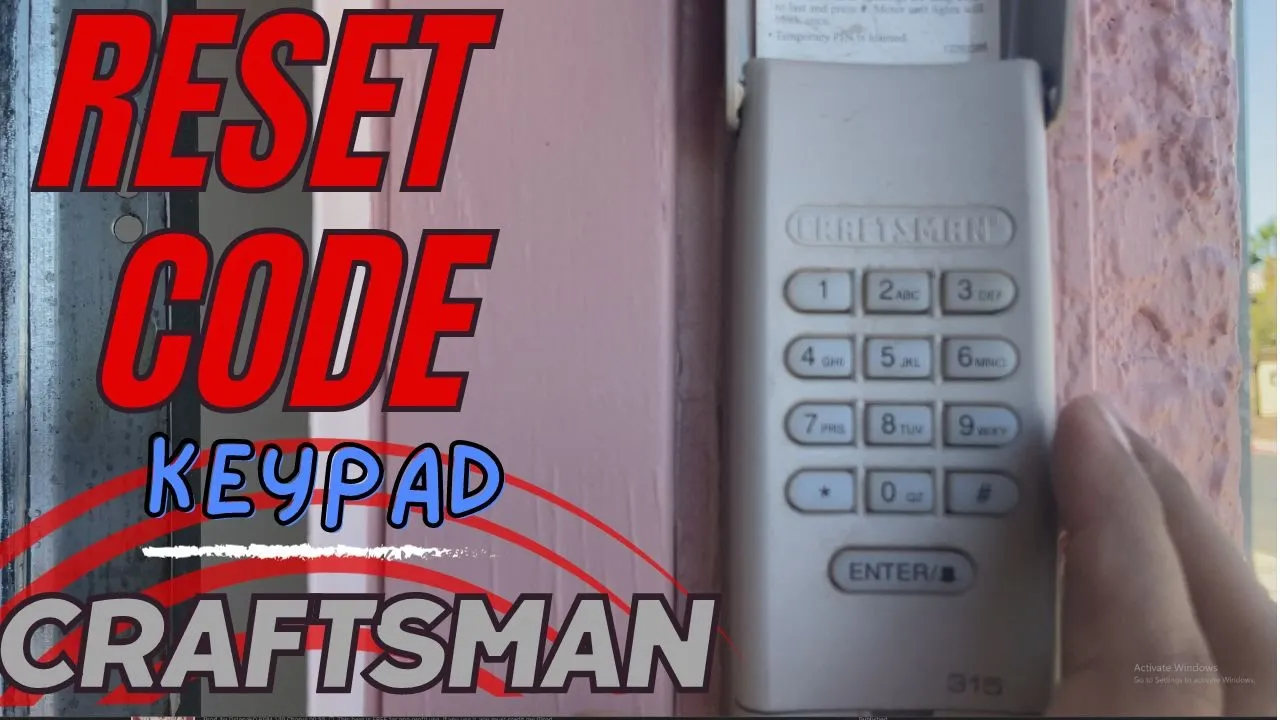
Learn how to program a Craftsman garage door remote using the Learn button in under 5 minutes. This step‑by‑step guide covers purple Learn button Security+ 315 MHz openers, compatible remotes, and common programming issues.
If you’ve just moved into a new home, replaced a lost remote, or upgraded your garage door opener, programming a new Craftsman garage door remote is one of the easiest DIY security upgrades you can do. A properly programmed remote ensures only trusted remotes can open your garage, and it’s a task most homeowners can handle in just a few minutes without calling a technician.
This guide walks you through programming a Craftsman garage door remote using the Learn button on the opener, with a focus on openers that use the popular purple Learn button (Security+ 315 MHz). You’ll also learn how Learn button colors affect compatibility and what to check if your remote won’t program or suddenly stops working.
Before you press anything, it’s important to know what the Learn button on your opener is telling you.
Most Craftsman, LiftMaster, and Chamberlain openers use a colored Learn/Program button on the motor unit that indicates the radio frequency and security technology. Matching your replacement remote to this color is critical, because a remote designed for one technology often won’t work with another even if the programming steps look identical.
Common Learn button colors and what they usually mean:
The programming flow (press Learn, then press remote) is similar across these technologies, but the hardware compatibility is not, so always confirm your remote explicitly supports your Learn button color.
Before you climb the ladder, gather a few basics so you can finish programming in one shot.
In this guide and the matching YouTube video, we’re using a Cooouds 2‑pack remote that is designed specifically for purple Learn button Craftsman/LiftMaster/Chamberlain openers using Security+ 315 MHz.
The basic programming steps are straightforward and usually take less than a minute when your remote and opener are compatible.
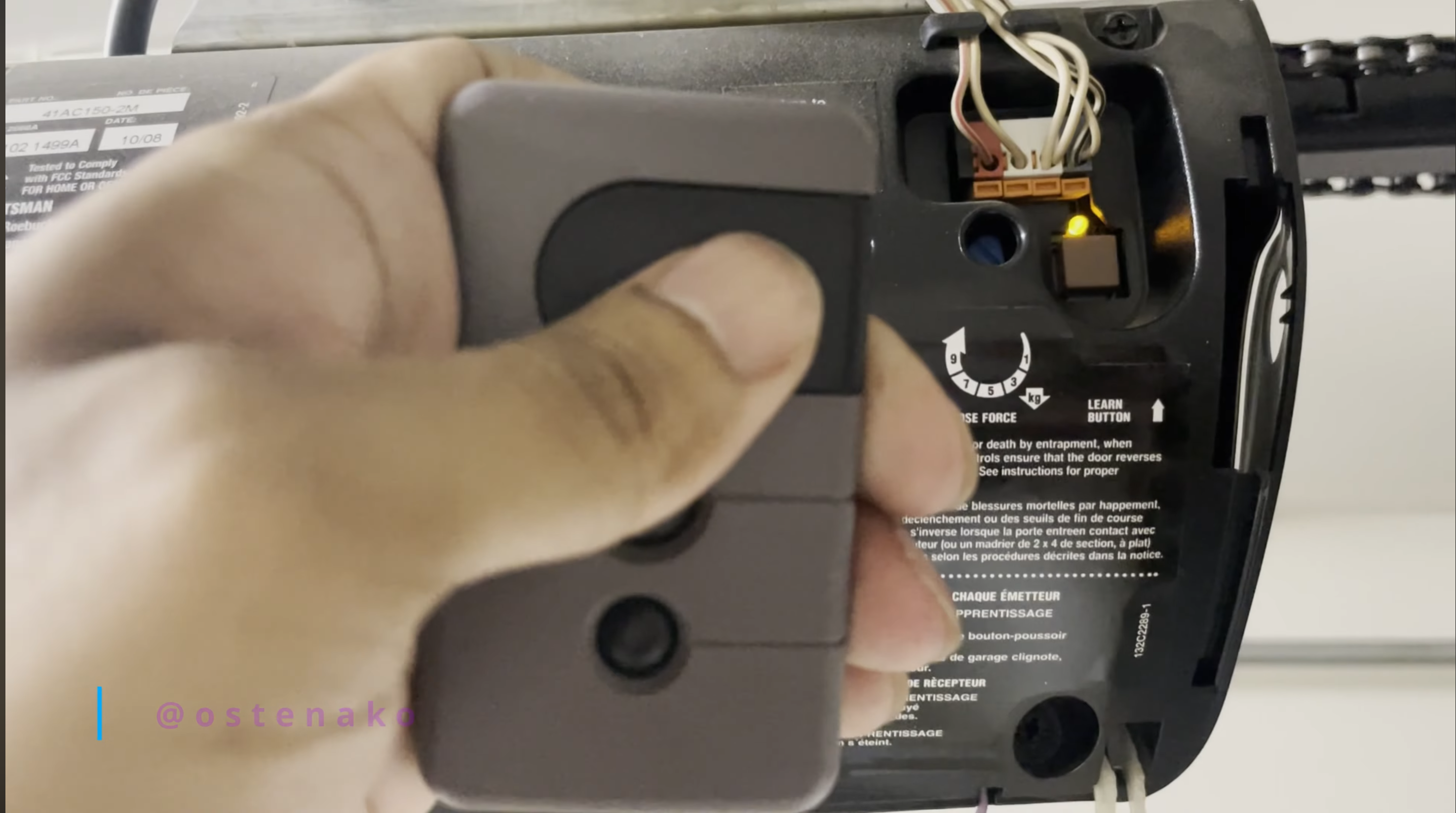
Open your garage and look up at the main motor unit mounted near the ceiling. The Learn/Program button is typically located:
Press the light cover tab or remove a small panel if needed, then look for a colored square or round button labeled “Learn” or “Program” near a small LED indicator.
For this tutorial we’re using an opener with a purple Learn button, which corresponds to Security+ 315 MHz systems.
Make sure your garage door is fully closed and no one is walking under it before you enter programming mode.
If the LED does not turn on, double‑check that the opener has power and that you pressed the correct button.
With the Learn mode active, move to a safe distance where you can see the door and opener.
This feedback indicates the opener successfully learned the new remote.
Exit programming mode and test the remote to confirm it works as expected.
If the remote is intermittent or only works very close to the opener, check the battery, antenna position, and any potential interference sources like metal obstructions or nearby electronics.
If you bought a used home or suspect old remotes might still be programmed, it’s a good idea to wipe the opener’s memory and reprogram only the remotes you own.
This extra step improves security by making sure only your remotes and keypad codes can operate the door.
While the programming steps above are broadly similar, the remote you buy must match your opener’s Learn button color and security technology.
Purple Learn button – Security+ 315 MHz
Red / Orange Learn button – Security+ 390 MHz
Green Learn button – Older Billion Code systems
Yellow Learn button – Security+ 2.0
The safest approach is to check your opener’s model number and Learn button color, then match them against the compatibility chart provided by your remote manufacturer or the opener manufacturer’s documentation.
In the video embedded with this article, we use a Cooouds 2‑pack replacement remote that’s designed for Craftsman/LiftMaster/Chamberlain openers with purple Learn buttons (Security+ 315 MHz).
Key details from the product listing:
If your opener has a different Learn button color, do not assume this exact remote will work; instead, choose a remote that clearly lists your Learn button color and technology.
For a quick visual walkthrough, watch the accompanying YouTube short that shows these exact steps on a real Craftsman opener with a purple Learn button.
Even with the right remote, a few common issues can derail programming.
Remote doesn’t program at all
Remote only works very close to the opener
Existing remotes stopped working after adding a new one
If repeated attempts fail, or if your opener is unusually old or noisy, consider contacting a professional garage door technician to inspect the unit and verify the control board and safety sensors are working correctly.


.jpg)






.jpg)